Edit a photo with words
Upload a reference image and describe the change in plain language. No selection tools or layers to learn.
AI Image to Image
Edit a photo by describing the change. Upload a reference image, say what should be different and what should stay the same, and Nano Banana Edit creates a new version. Try a new background, outfit, lighting or visual style, then refine and download.
Sign in to generate. The model and credit cost are shown in the panel before each request.
Write a prompt and create an image from scratch. A good fit for concept art, product scenes, characters, posters and social visuals.
Upload a reference photo and describe the changes you want with Nano Banana Edit, such as a new background, outfit or visual style.
Explore the full Nano Banana 2.1 workspace: generate from a prompt, edit a reference photo and keep your results together in one gallery.
Max 10MB per file
Creative inspiration. Select an image to preview it and use its prompt.
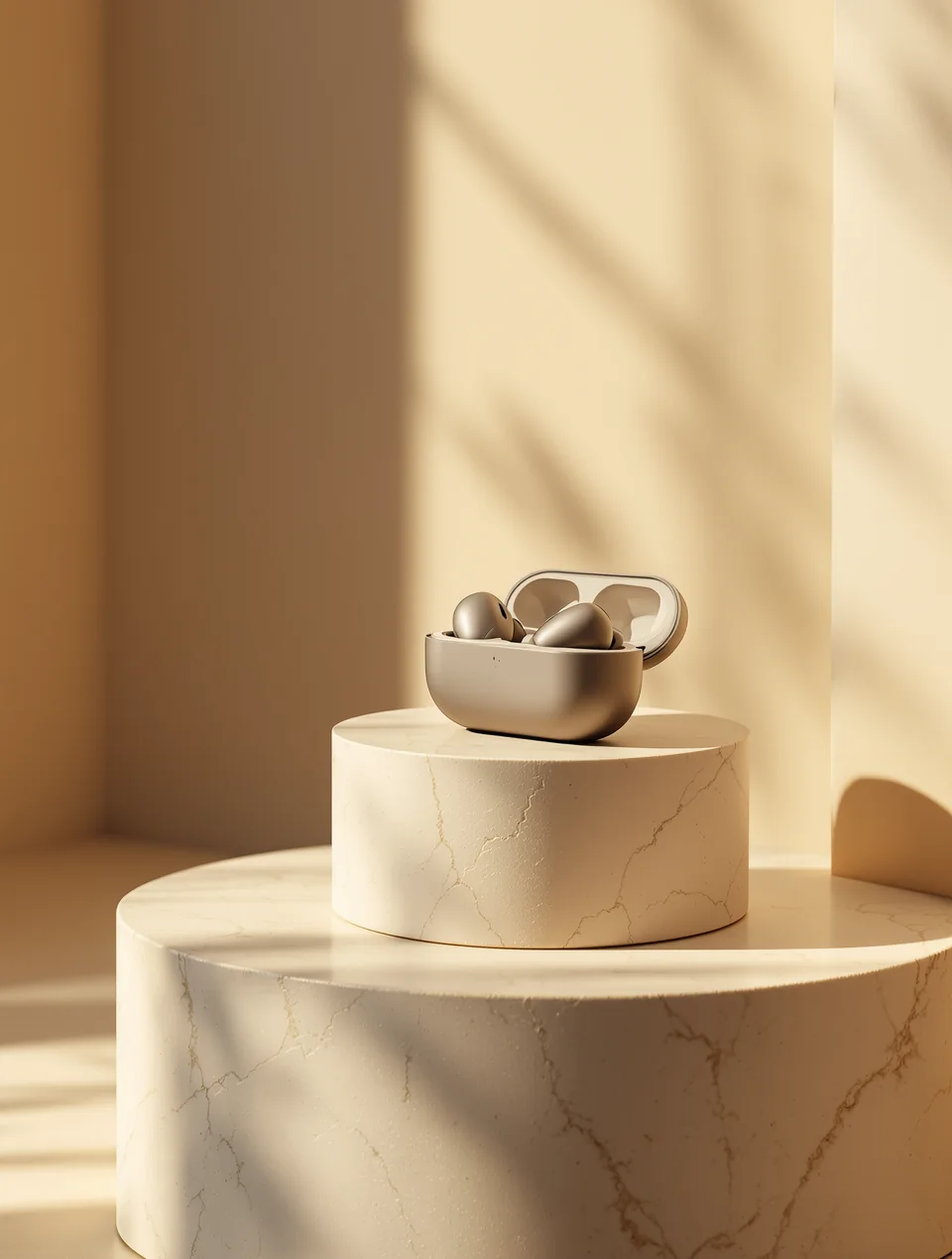
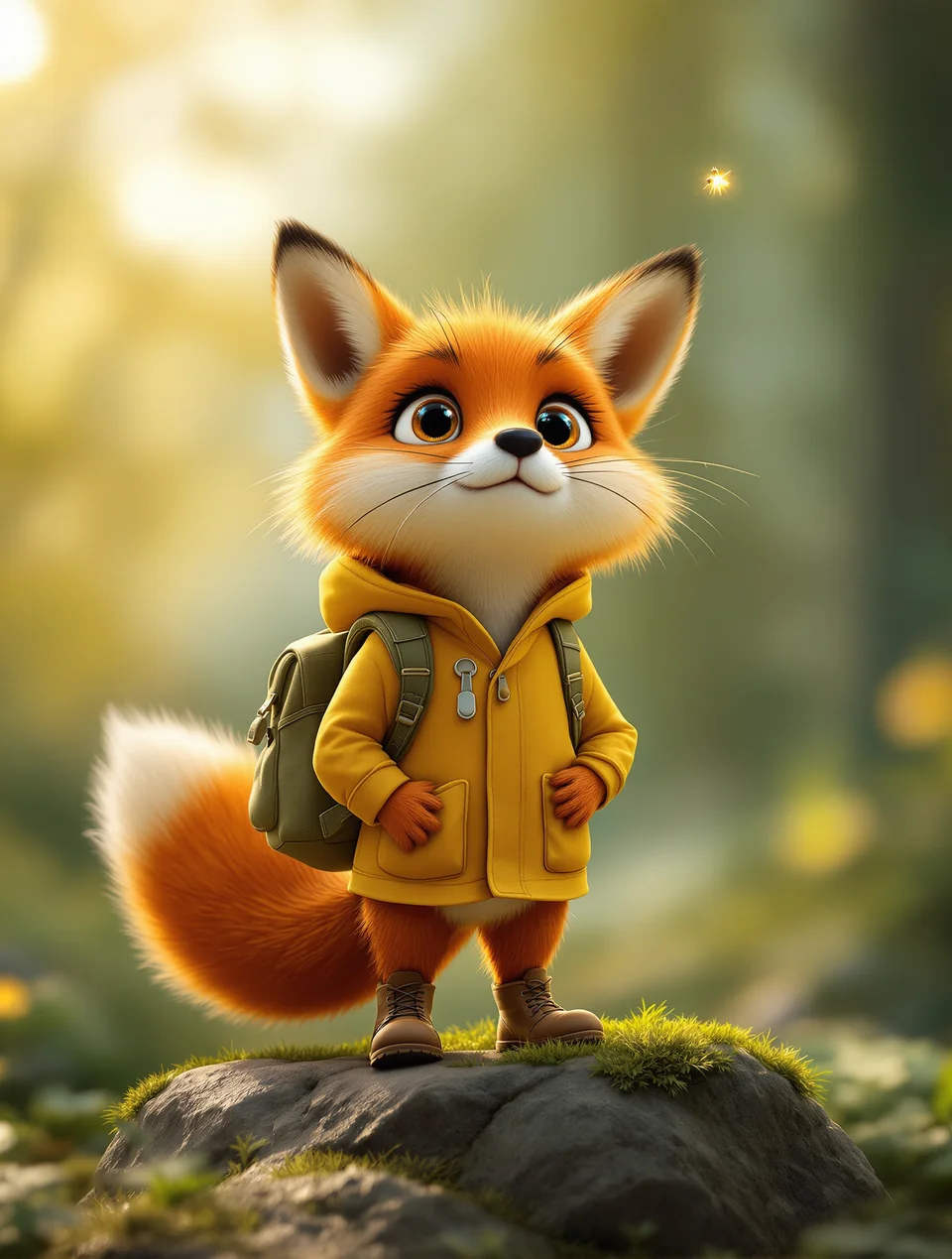
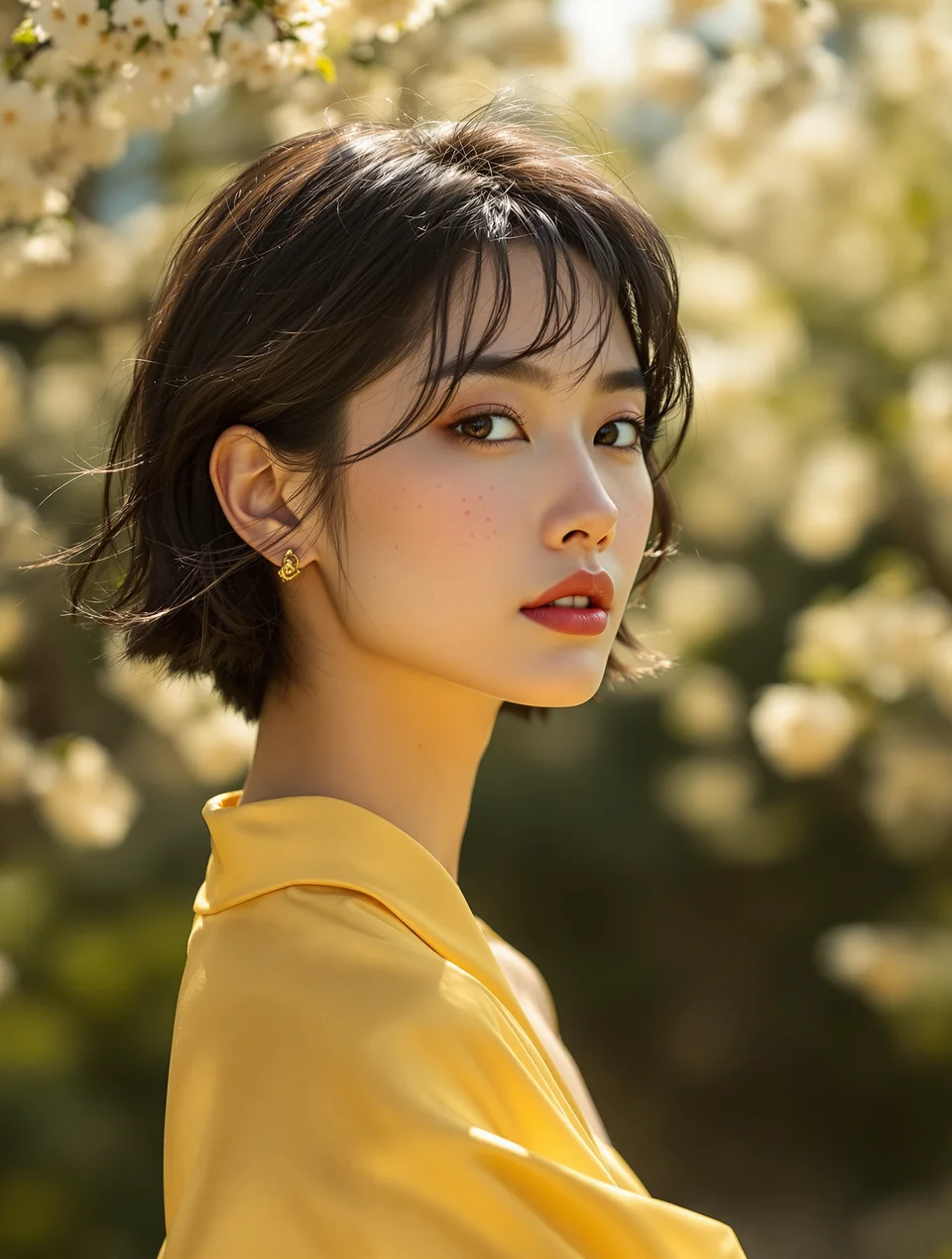
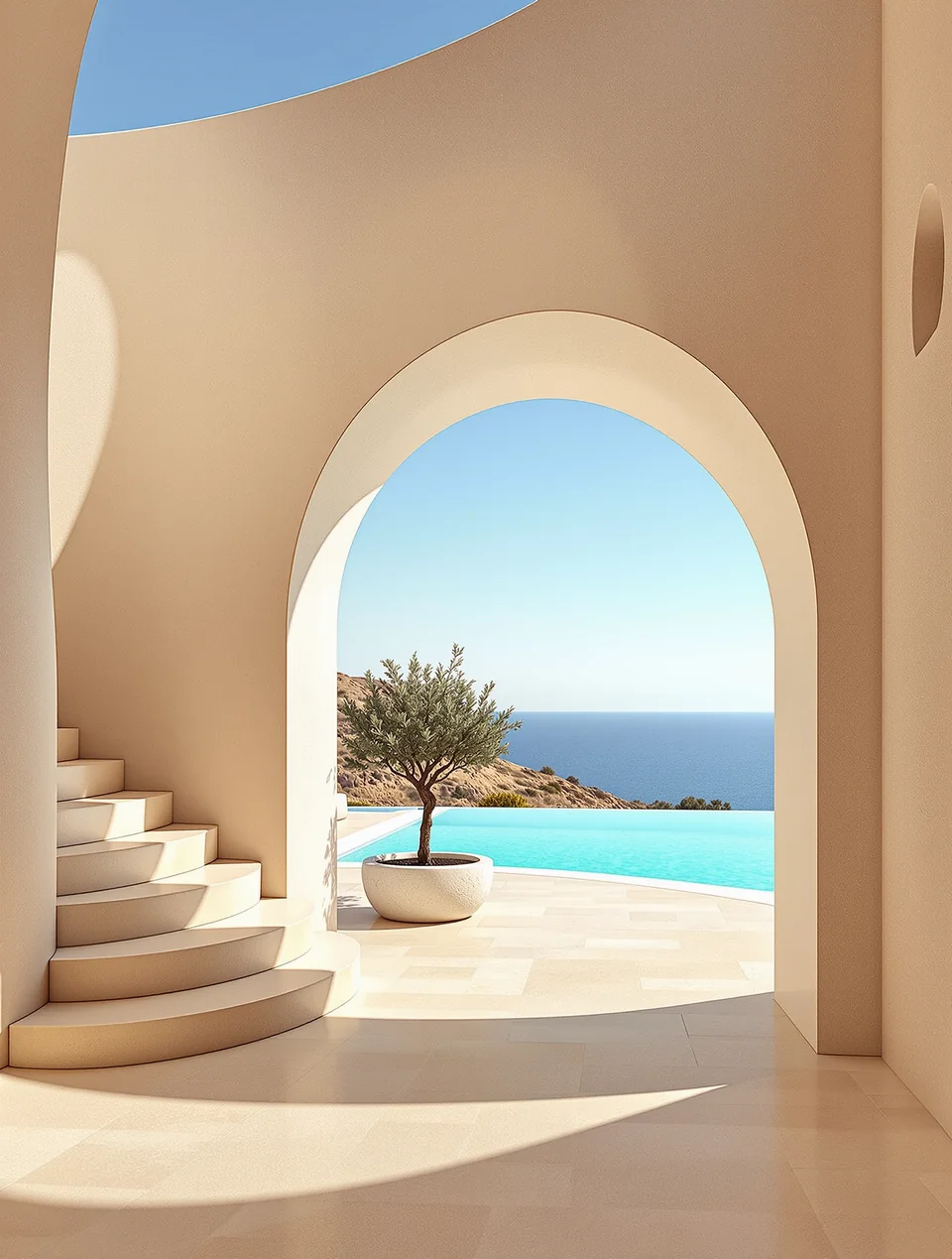
Upload a reference image and describe the change in plain language. No selection tools or layers to learn.
Move your subject to a new setting, such as a studio backdrop, a beach, a city street or a plain white background for product shots.
Describe the clothing, color or style you want to see, and keep the rest of the photo as it is.
Turn a photo into a watercolor, anime frame, oil painting or cinematic still while keeping the original composition.
Ask for golden hour light, a night scene, softer shadows or a warmer color palette.
Name the parts you want kept, such as the pose, the face, the product shape or the layout, so the edit changes only what you asked for.
The Generate button shows the credits required for your selected settings before you start.
Your results are saved to your account gallery, where you can find them again and download them.
Go from a reference photo to an edited image: upload, describe the change, then generate, refine and download.
Choose a clear photo of the subject you want to edit. Use images you own or have permission to edit.
Write what should change and what should stay. For example: replace the background with a sunlit garden, keep the person and pose the same.
Sign in, then check the credits shown beside the Generate button for your selected settings.
Generate your edit. If it is not quite right, change one detail in the prompt and try again. Download your favorite from your account gallery.
It is the photo editing workspace on this site. You upload a reference image, describe the change you want, and the generator creates a new version of that image based on your instructions.
Nano Banana 2.1 is the name of this independent workspace. The generator currently connects to Nano Banana 2 for generation and Nano Banana Edit for reference-image editing. The selected provider model is shown in the panel.
Yes. Open Image to Image, upload a reference photo and describe your desired changes, such as a new background, outfit or visual style.
Say what should change, then say what should stay. For example: "replace the background with a beach at sunset, keep the person and pose the same." Change one thing at a time so it is easier to see what worked.
Name them in your prompt, such as the face, pose, product shape or layout. The clearer you are about what to preserve, the more closely the result tends to follow your original photo.
Yes. Upload your photo and describe the new setting, for example a studio backdrop, a city street or a plain white background. Add that the subject should stay the same.
Yes. Describe the style you want, such as watercolor, oil painting, anime or cinematic, and say to keep the original composition.
Image to image starts from a photo you upload and changes it based on your description. Text to image creates a new picture from a written prompt alone, with no reference photo.
Yes. Sign in to generate images, manage your credit balance and access your saved creations.
The cost depends on the selected model and settings. Check the credits displayed beside Generate, and visit Pricing for available plans.
Edited images are saved to your account gallery, where you can find them again and download them.
No. Nano Banana 2.1 is an independent service and is not affiliated with or endorsed by Google. Model names belong to their respective owners.
Nano Banana 2.1 is an independent service and is not affiliated with or endorsed by Google. Model names belong to their respective owners.