Create from text
Turn a scene, product idea or character description into a new image.
Nano Banana 2.1
Upload a reference photo and describe the changes you want with Nano Banana Edit. Try a new background, outfit or visual style.
Sign in to generate. The model and credit cost are shown in the panel before each request.
Describe your subject, scene and style to create a new image with Nano Banana 2. Choose an aspect ratio and resolution before generating.
Upload a reference photo and describe the changes you want with Nano Banana Edit. Try a new background, outfit or visual style.
Create images from a prompt or edit a reference photo. Explore ideas, adjust the details and download your results in one workspace.
Max 10MB per file
Creative inspiration. Select an image to preview it and use its prompt.
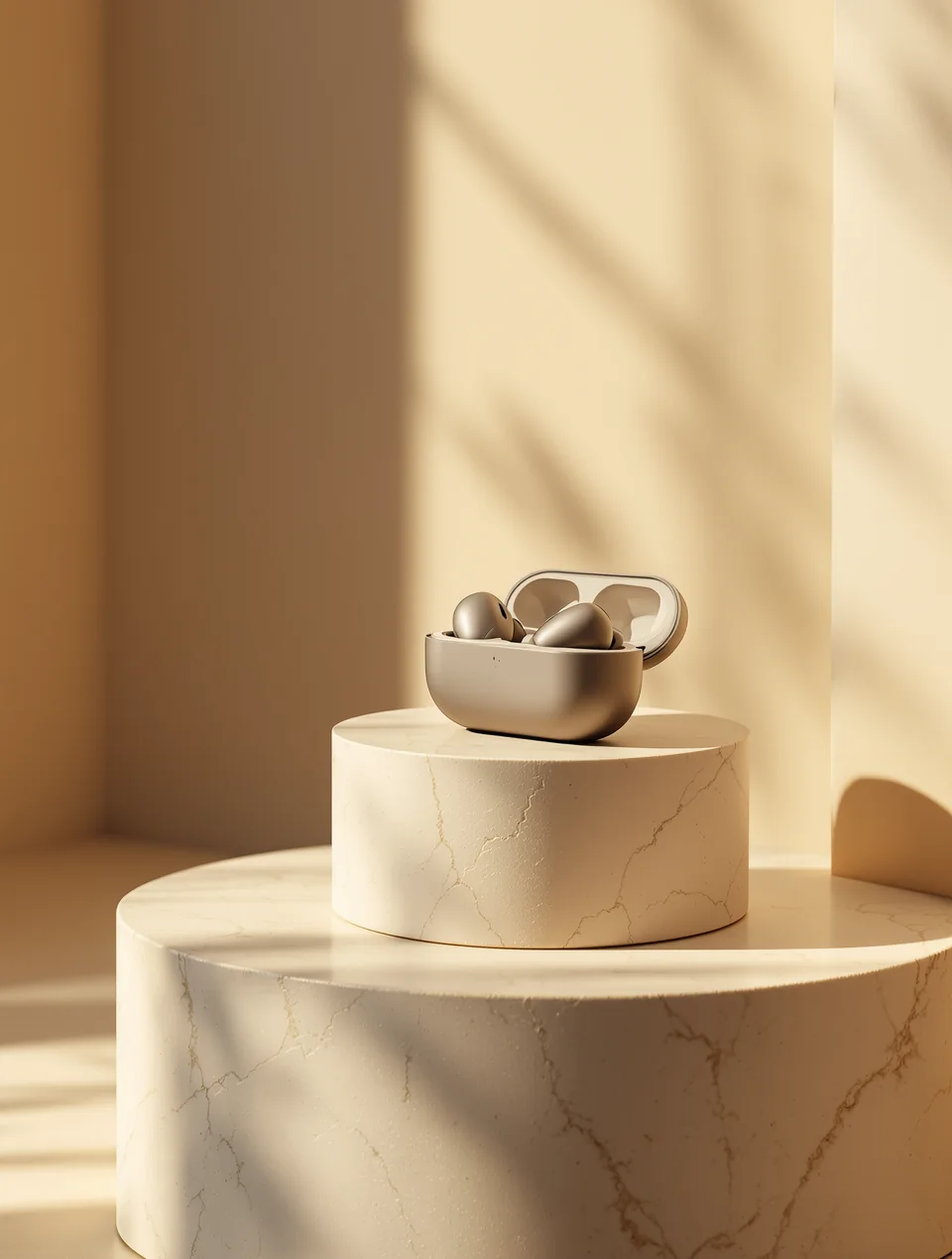



Turn a scene, product idea or character description into a new image.
Upload a reference and describe what should change and what should stay.
Select the supported aspect ratio, resolution and output options in the generator.
Adjust the lighting, composition or style and generate another version.
The generate button shows the credits required for your selected settings.
Find your generated images and download them from your account gallery.
Upload a reference photo and describe the changes you want with Nano Banana Edit. Try a new background, outfit or visual style.
Start with text to image, or upload a reference in image to image.
Write the subject, setting and style. For an edit, name the details to change.
Sign in, check the credit cost and generate. Adjust your prompt or download the result.
Nano Banana 2.1 is the name of this independent workspace. The generator currently connects to Nano Banana 2 for generation and Nano Banana Edit for reference-image editing. The selected provider model is shown in the panel.
Yes. Sign in to generate images, manage your credit balance and access your saved creations.
Yes. Open Image to Image, upload a reference photo and describe your desired changes.
The cost depends on the selected model and settings. Check the credits displayed beside Generate, and visit Pricing for available plans.
Nano Banana 2.1 is an independent service and is not affiliated with or endorsed by Google. Model names belong to their respective owners.